

Structured Output Tracking for Instructor with Opik
Instructor is a Python library for working with structured outputs for LLMs built on top of Pydantic. It provides a simple way to manage schema validations, retries and streaming responses.
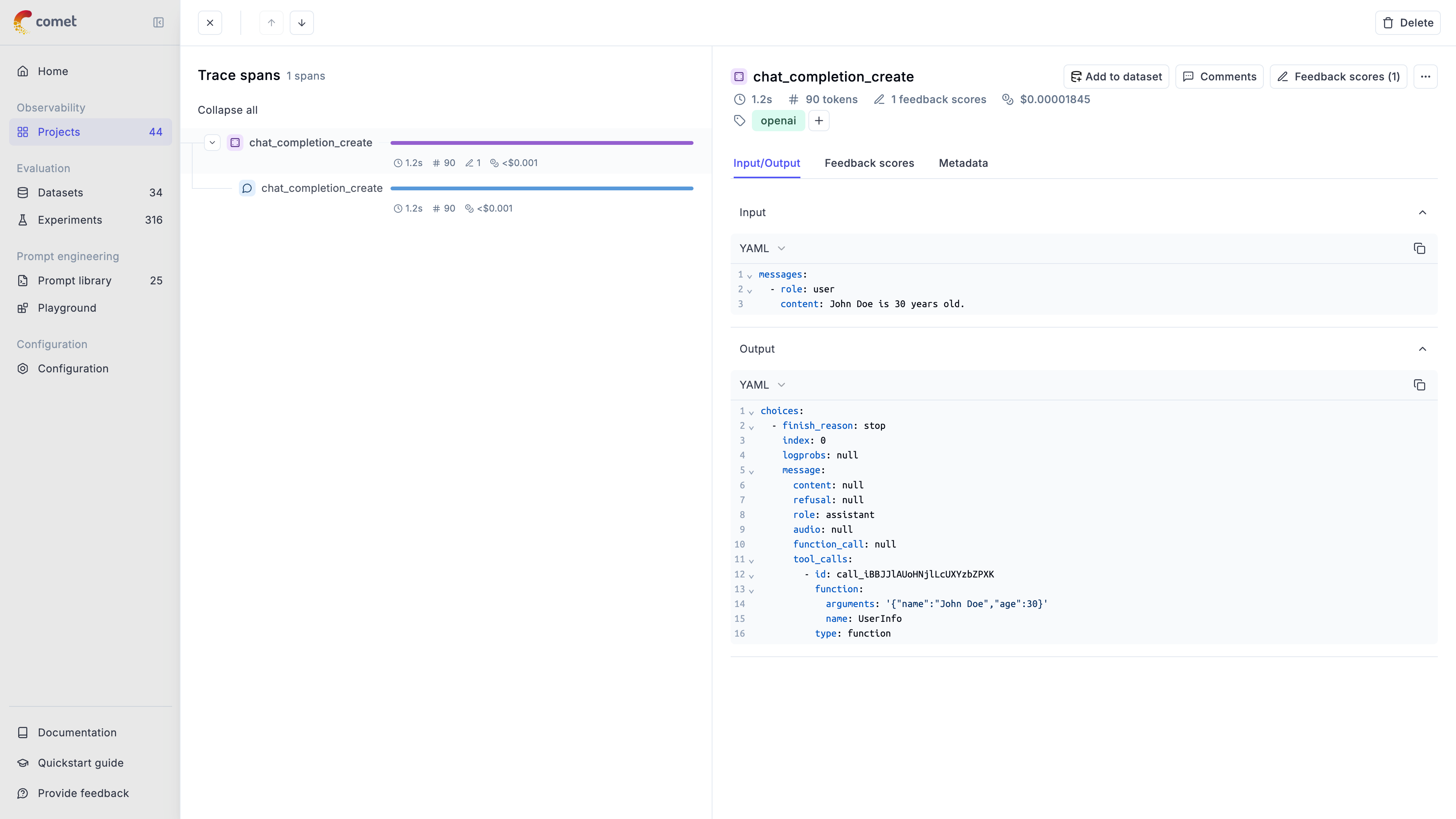
In this guide, we will showcase how to integrate Opik with Instructor so that all the Instructor calls are logged as traces in Opik.
Account Setup
Comet provides a hosted version of the Opik platform, simply create an account and grab your API Key.
You can also run the Opik platform locally, see the installation guide for more information.
Getting Started
Installation
First, ensure you have both opik and instructor installed:
Configuring Opik
Configure the Opik Python SDK for your deployment type. See the Python SDK Configuration guide for detailed instructions on:
- CLI configuration:
opik configure - Code configuration:
opik.configure() - Self-hosted vs Cloud vs Enterprise setup
- Configuration files and environment variables
Configuring Instructor
In order to use Instructor, you will need to configure your LLM provider API keys. For this example, we’ll use OpenAI, Anthropic, and Gemini. You can find or create your API keys in these pages:
You can set them as environment variables:
Or set them programmatically:
Using Opik with Instructor library
In order to log traces from Instructor into Opik, we are going to patch the instructor library. This will log each LLM call to the Opik platform.
For all the integrations, we will first add tracking to the LLM client and then pass it to the Instructor library:
Thanks to the track_openai method, all the calls made to OpenAI will be logged to the Opik platform. This approach also works well if you are also using the opik.track decorator as it will automatically log the LLM call made with Instructor to the relevant trace.
Integrating with other LLM providers
The instructor library supports many LLM providers beyond OpenAI, including: Anthropic, AWS Bedrock, Gemini, etc. Opik supports the majority of these providers as well.
Here are the code snippets needed for the integration with different providers:
Anthropic
Gemini
You can read more about how to use the Instructor library in their documentation.